
Windows Server 2022 22H2 Build 225110 (x64) Multilingual Pre-Activated May 2022
Size
4.4 GB
Seeders
12
Leechers
0
Files
3
Category
Added
05/09/22 at 5:11pm GMT+1
Status
Infohash
1a26e244995586e27b7527f299b523c3a6937ac6


Description
Genuine cracked applications direct from the scene group.
A Team-FTU project!
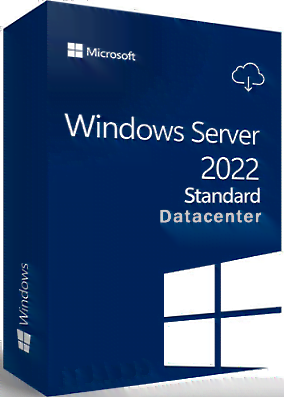
4 In 1 | 35 Languages | Untouched | PreActivated
Windows Server 2022 22H2 Build 225110 AIO x64 Multilingual-35 PreActivated May 2022 [FTUApps]
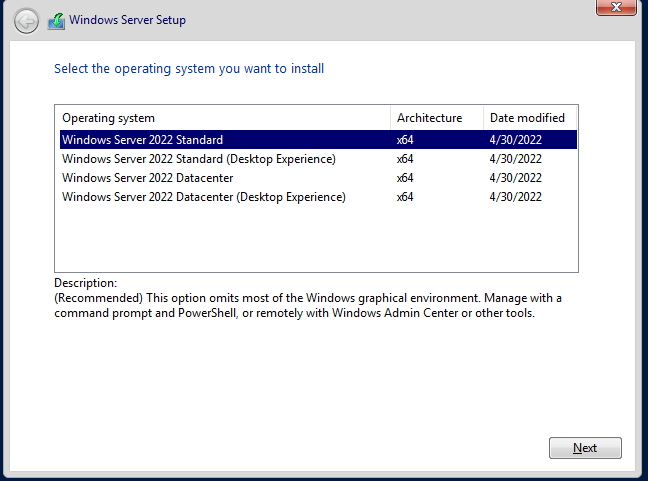
Editions Included:
- Windows Server 2022 Standard x64
- Windows Server 2022 Standard (Desktop Experience) x64
- Windows Server 2022 Datacenter x64
- Windows Server 2022 Datacenter (Desktop Experience) x64
What's New:
- What's in this build
Languages:
- Arabic (Saudi Arabia)
- Bulgarian (Bulgaria)
- Czech (Czech Republic)
- Danish (Denmark)
- German (Germany)
- Greek (Greece)
- English (United States)
- Spanish (Spain)
- Estonian (Estonia)
- Finnish (Finland)
- French (France)
- Hebrew (Israel)
- Croatian (Croatia)
- Hungarian (Hungary)
- Italian (Italy)
- Japanese (Japan)
- Korean (Korea)
- Lithuanian (Lithuania)
- Latvian (Latvia)
- Norwegian (Norway)
- Dutch (Netherlands)
- Polish (Poland)
- Portuguese (Brazil)
- Portuguese (Portugal)
- Romanian (Romania)
- Russian (Russia)
- Slovak (Slovakia)
- Slovenian (Slovenia)
- Serbian (Latin, Serbia)
- Swedish (Sweden)
- Thai (Thailand)
- Turkish (Turkey)
- Ukrainian (Ukraine)
- Chinese (Simplified, China)
- Chinese (Taiwan)
Operating System:
- Processor: 1 gigahertz (GHz) or faster.
- RAM: 2 gigabyte (G.
- Free space on hard disk: 32 gigabytes (G.
Install Notes:
- Starting installer in PC (via US
- Follow the steps given below:
- Download the Windows ISO image file.
- Install a USB bootable creation software (such as Rufus) on your Windows computer.
- Plug in a USB flash drive (at least 8GB of free space) to your computer.
- Open the USB bootable creation software, and select the ISO image file of Windows, and start the process.
- Plug the bootable USB into a system where you want to install Windows.
- Restart the computer.
- Press the boot device menu key and select USB to boot first.
- Select USB device and start the Windows installer.
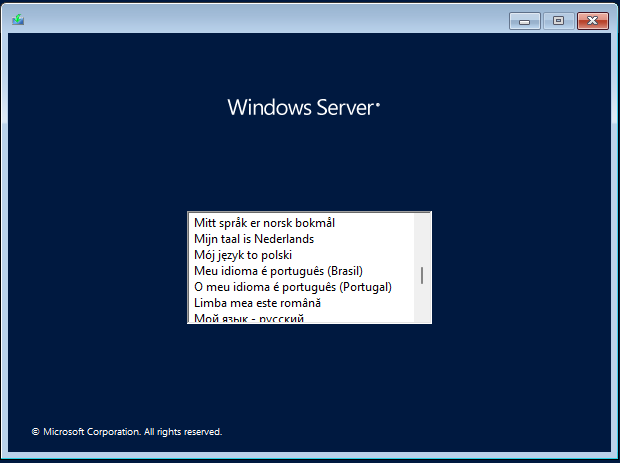
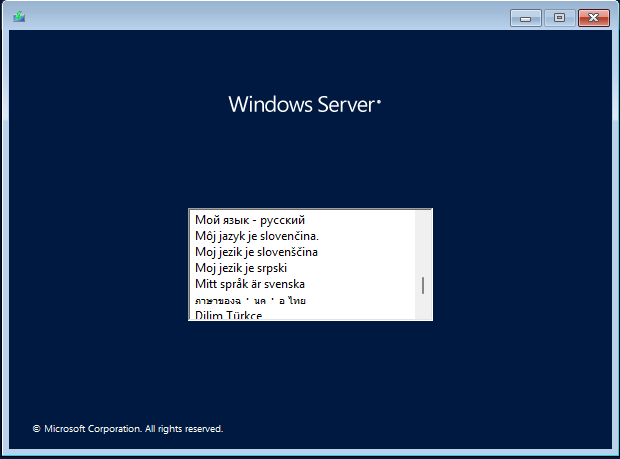
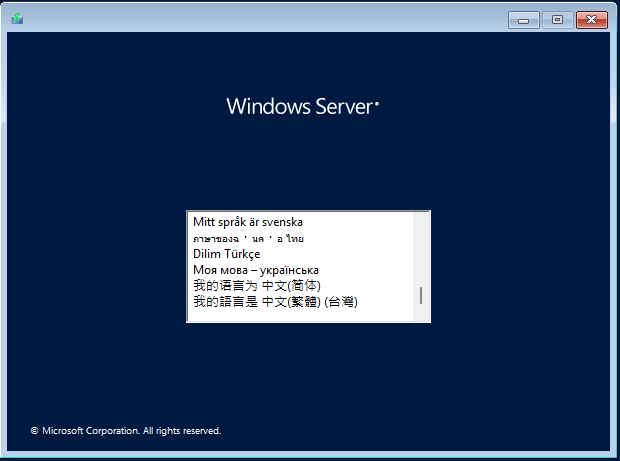
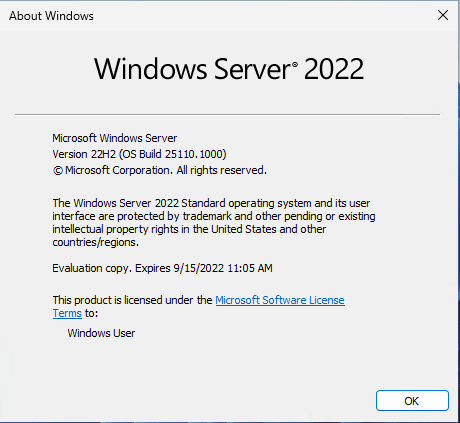
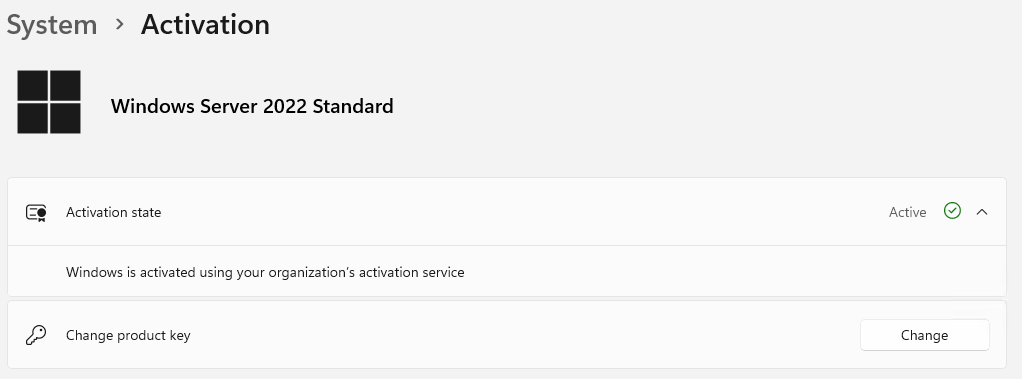
Screenshots:
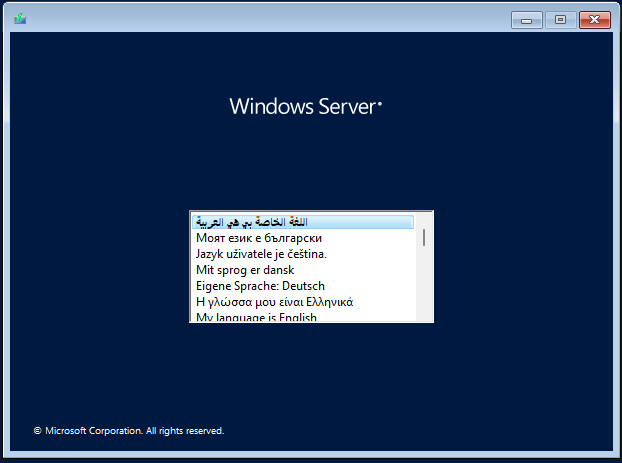
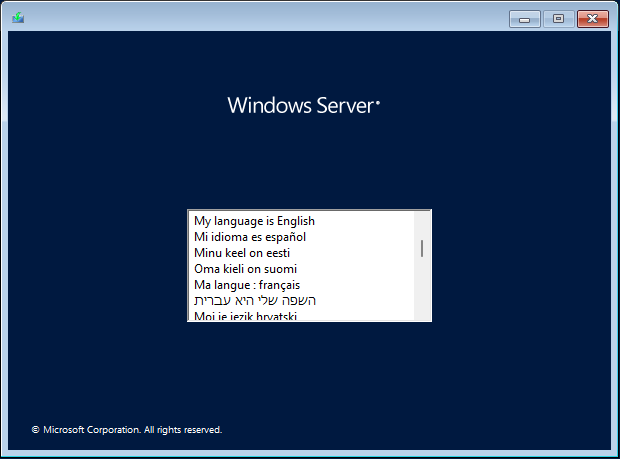
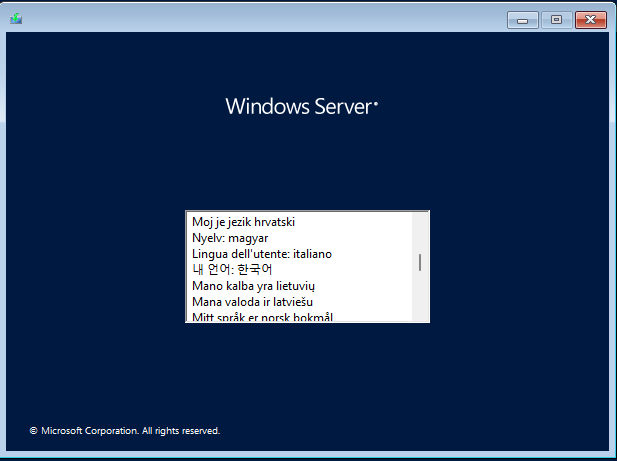
Homepage: https://www.microsoft.com/en-us
Use Rufus To Create Bootable USB & Boot / Instruction is Included in the folder!
AntiVirus Scanned Result for User-End >>>
No VT due to file size limited - It's clean no harm!

File list
- Windows Server 2022 22H2 Build 225110 (x64) Multilingual Pre-Activated May 2022


Rating
Similar torrents
| Name | Size | Date | |||
|---|---|---|---|---|---|
| 407 MB | 07/19/26 | 53475 | 35639 | ||
| 417 MB | 09/07/26 | 31876 | 21237 | ||
| 2 MB | Yesterday | 24069 | 16048 | ||
Windows 11 build 21996.1 x64 + Activator Verified in Software | 1.7 GB | Yesterday | 24021 | 16007 | |
| 13 MB | Yesterday | 23974 | 15981 | ||
Windows 11 Activator (Activate Win 11 & 12 Verified in Software | 12 MB | Yesterday | 23938 | 15959 | |
| 4 MB | Yesterday | 23929 | 15951 | ||
| 11 MB | Yesterday | 23747 | 15817 | ||
| 15 MB | Yesterday | 23735 | 15825 | ||
| 3.5 GB | 08/01/26 | 5793 | 6053 | ||
| 899 MB | Yesterday | 3855 | 155 | ||
| 3.2 GB | 09/24/26 | 3549 | 3845 | ||
| 3.1 GB | 09/16/26 | 2469 | 1350 | ||
| 889 MB | 09/24/26 | 2059 | 72 | ||
| 3.4 GB | 09/09/26 | 1956 | 922 |