
PCmover Enterprise 11.3.1015.761 + Reg
Size
195 MB
Seeders
9
Leechers
1
Files
5
Category
Added
03/01/21 at 5:01pm GMT+1
Status
Infohash
2dbe8509a6b143aa8fd280835eb4e8f798943613


Description
Description
PCmover Enterprise is a comprehensive migration solution that allows IT to manage all types of migrations. And, PCmover is the only tool that automatically transfers installed applications, settings, data, and user accounts. PCmover efficiently supports a complete migration process and operating system upgrade. PCmover Enterprise will save your organization time in a migration, and money– more than $300 per PC according to independent research. PCmover Enterprise’s light touch system significantly reduces OPEX by minimizing end-user downtime, IT staff resources required, and operational costs like shipping, storage, and third-party services.
Laplink’s PCmover Enterprise edition automates the migration process from an older version of Windows to a newer version, including Windows 7, 8.1, and 10. PCmover Enterprise also supports PC refreshes and break-fix recovery scenarios. PCmover Enterprise includes additional features designed specifically for organizations that require migrations to be in compliance with specific IT policies. The Policy Manager module gives users the ability to configure migrations as needed and can generate and enforce automated role or department-specific migration requirement policies. Also, PCmover Enterprise can run from a network drive or removable storage device, eliminating the need to install it on any of the PCs involved in the migration.
Enterprise Features:
Migrate selected programs, settings, data, user accounts and other “PC Personality” elements to a new PC automatically
Migrate Via: Network (LAN, WAN), Laplink USB cable, Laplink Ethernet Cable
Perform In-Place Upgrades
Restore an old PC image to a new OS
Run directly from a command line
Generate migration reports
Pre-activate licenses for “offline” migrations
Install and run from a network location, USB thumb-drive or other portable storage device
Use Policy Manager GUI for easy and complete migration customization
Enable Access Control features
Use a Zero-touch migration process – Multiple migrations from a central location
Customize the User Interface and logos
VirusTotal:
Setup :
https://www.virustotal.com/gui/file/756fd826e1a8a775b17db2b4ad6fa552d8d64af4f5f226d23533a6564bfc9918/detection
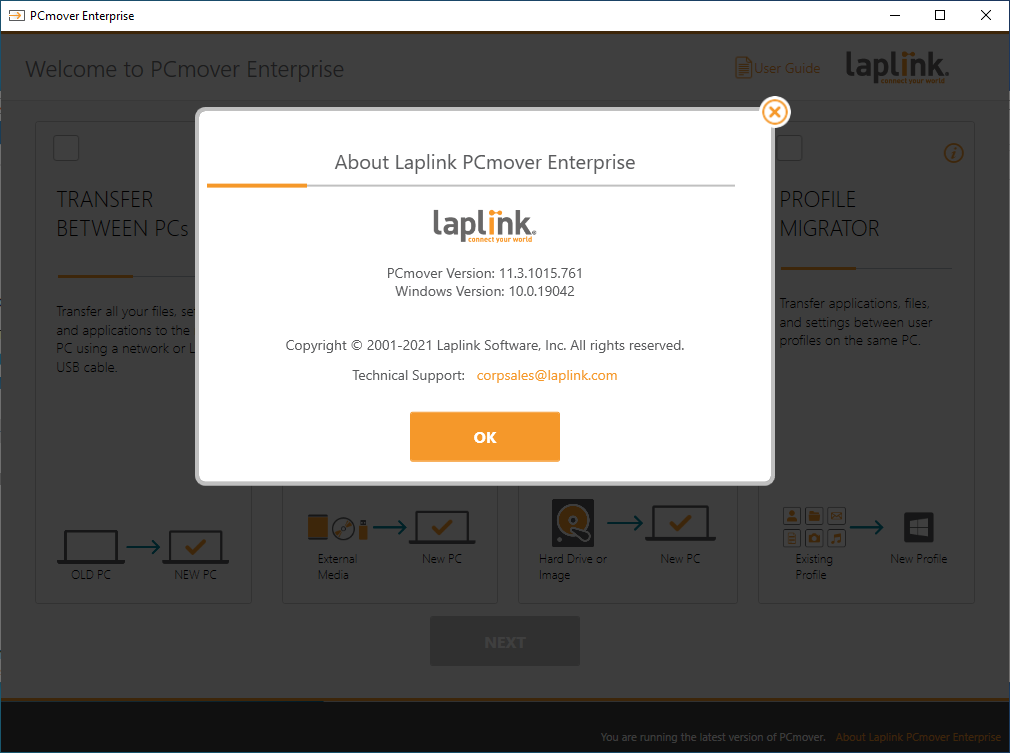
Screenshot
File list
- PCmover Enterprise 11.3.1015.761 + Reg


Rating
Similar torrents
| Name | Size | Date | |||
|---|---|---|---|---|---|
| 31 MB | 03/01/23 | 2186 | 1450 | ||
| 45 MB | 08/12/23 | 1995 | 1328 | ||
| 24 MB | 11/19/22 | 1249 | 828 | ||
| 242 MB | 05/18/23 | 119 | 1 | ||
| 27.4 GB | 09/24/19 | 84 | 2 | ||
| 2.7 GB | 07/19/26 | 78 | 5 | ||
| 152 MB | 05/21/20 | 69 | 1 | ||
| 1.1 GB | 06/28/24 | 55 | 2 | ||
| 324 MB | 03/02/24 | 51 | 2 | ||
Disk Drill Enterprise 6.3.1398.0 Verified in Software | 64 MB | 06/29/26 | 51 | 0 | |
| 3.7 GB | 07/04/26 | 51 | 2 | ||
Nitro Pro Enterprise v13.70.2.40 (x64) + Fix Verified in Software | 243 MB | 12/04/22 | 49 | 1 | |
| 72 MB | 02/09/19 | 48 | 0 | ||
PCUnlocker WinPE v6.1.0 Enterprise Verified in Software | 591 MB | 07/15/26 | 42 | 0 | |
| 280 MB | 12/27/23 | 41 | 2 |